

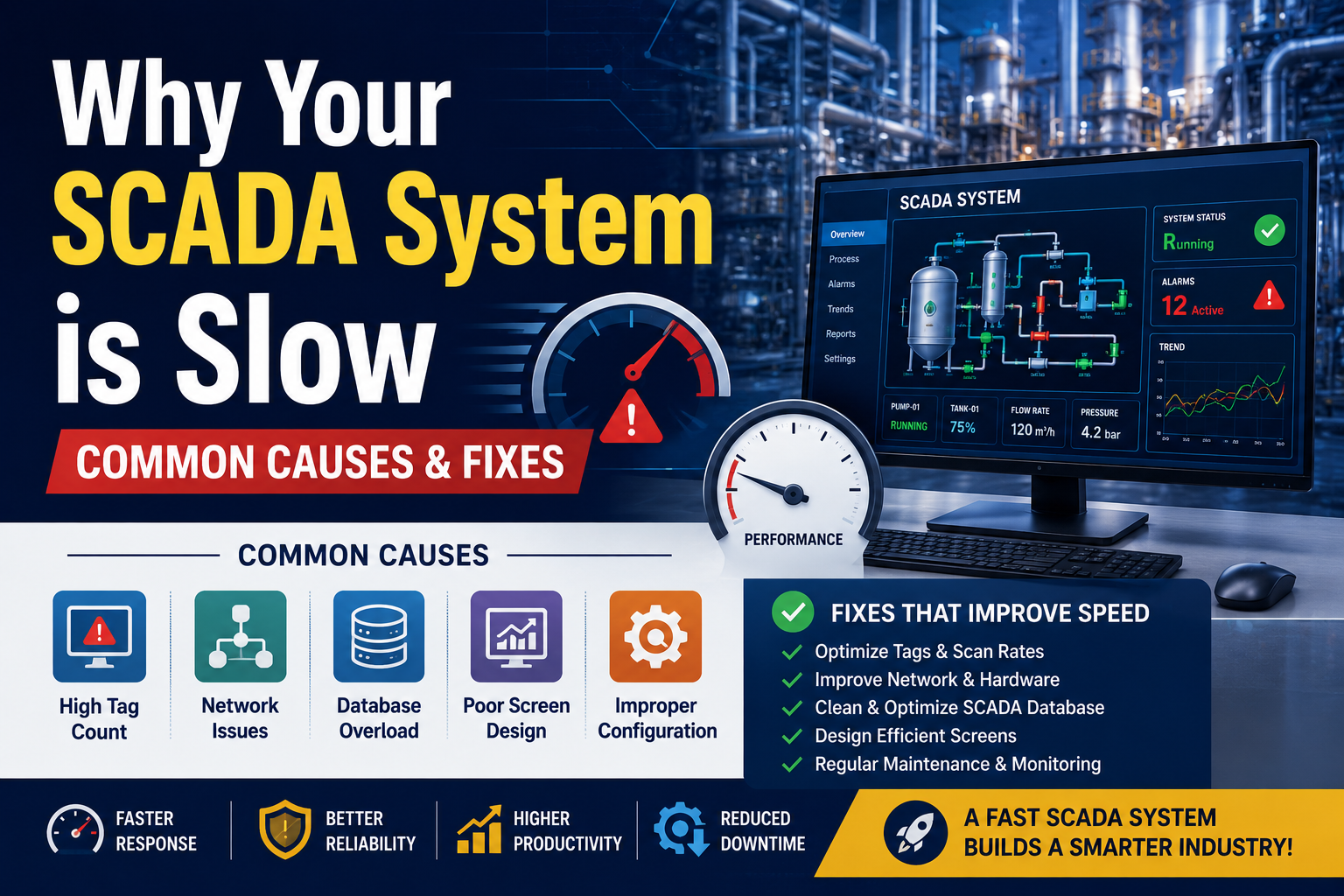
Introduction
A slow SCADA system can create major problems in industrial automation.
Operators may experience:
- Delayed screen response
- Slow alarm updates
- Communication lag
- Data logging issues
- System freezing
These problems not only reduce productivity but can also impact safety and process reliability.
The good news?
Most SCADA performance issues are caused by a few common problems that can be identified and fixed.
In this guide, we’ll explain:
- Why SCADA systems become slow
- Common performance bottlenecks
- Practical solutions to improve speed and reliability
Common Signs of a Slow SCADA System
Before troubleshooting, identify the symptoms:
- SCADA screens load slowly
- Alarms appear late
- Historical trends take time to open
- SCADA freezes during operation
- Delayed communication with PLCs
- High CPU or memory usage on SCADA PC
These are warning signs that your system needs optimization.
1. Excessive Tag Count
One of the most common reasons for slow SCADA performance is handling too many unnecessary tags.
Problem
Many systems continuously scan:
- Unused tags
- Duplicate tags
- Temporary test tags
This increases communication load between PLC and SCADA.
Fix
Remove unused tags
Optimize scan rates
Organize tag structure properly
Only scan important data at high speed.
2. Weak SCADA Computer Hardware
SCADA software requires stable and reliable hardware.
Problem
Old or low-performance systems may struggle with:
- Large graphics
- Data logging
- Alarm processing
- Multiple communication drivers
Fix
Upgrade:
- RAM
- SSD storage
- Processor performance
Industrial applications require reliable hardware—not basic office PCs.
3. Network Communication Issues
Industrial communication networks play a critical role in SCADA speed.
Problem
Slow or unstable networks cause:
- PLC communication delays
- Packet loss
- Timeout errors
Common causes:
- Poor Ethernet switches
- Network congestion
- Incorrect IP configuration
Fix
Use industrial-grade networking devices
Separate automation network from office network
Check communication traffic
A stable industrial network significantly improves SCADA response.
4. Poor SCADA Screen Design
Heavy graphics and poor screen optimization can slow the system.
Problem
Common mistakes include:
- Too many animations
- High-resolution images
- Large scripts running continuously
- Excessive popups
Fix
Use lightweight graphics
Reduce unnecessary animations
Optimize scripts and objects
Simple and clean SCADA design improves performance.
5. Improper Alarm Configuration
Alarm systems are essential-but poor configuration creates problems.
Problem
Thousands of unnecessary alarms overload the SCADA server.
This causes:
- Slow alarm processing
- Delayed notifications
- Operator confusion
Fix
Remove unwanted alarms
Use alarm priorities
Avoid repetitive alarm flooding
Good alarm management improves both performance and usability.
6. Database & Historical Data Overload
SCADA systems often store huge amounts of historical data.
Problem
Overloaded databases slow:
- Trend analysis
- Report generation
- Historical retrieval
Fix
Archive old data regularly
Optimize database indexing
Remove unnecessary logging
Efficient database management is critical for long-term SCADA performance.
7. High Communication Scan Rate
Many engineers configure extremely fast scan times unnecessarily.
Problem
Very fast polling creates:
- PLC overload
- Communication bottlenecks
- Increased CPU usage
Fix
Use proper scan rates:
- Fast scan → critical data only
- Slow scan → monitoring data
Not every signal needs millisecond updates.
8. PLC Performance Bottlenecks
Sometimes the problem is not the SCADA-it’s the PLC.
Problem
Slow PLC scan time affects:
- Data updates
- SCADA communication
- System responsiveness
Causes include:
- Heavy logic
- Too many communication requests
- Poor program structure
Fix
Optimize PLC logic
Reduce unnecessary communication
Improve memory management
9. Background Applications Running on SCADA PC
Many SCADA computers run unnecessary software.
Problem
Background programs consume:
- CPU resources
- Memory
- Network bandwidth
Examples:
- Antivirus scans
- Automatic updates
- Office applications
Fix
Use dedicated SCADA systems
Disable unnecessary services
Prevent unwanted updates during production
10. Lack of System Maintenance
Many industries install SCADA systems and never maintain them properly.
Problem
Over time:
- Logs increase
- Drivers become outdated
- Performance degrades
Fix
Perform regular:
- System health checks
- Backup verification
- Software updates
- Network diagnostics
Preventive maintenance avoids future downtime.
Real Impact of Slow SCADA Systems
Ignoring SCADA performance problems can lead to:
- Production downtime
- Delayed operator response
- Increased maintenance cost
- Poor decision-making
- Reduced plant efficiency
In critical industries, slow SCADA response can even create safety risks.
Final Thoughts
A slow SCADA system is usually a sign of:
- Poor optimization
- Network issues
- Hardware limitations
- Improper engineering practices
The good news is that most problems can be solved with proper system design and maintenance.
A well-optimized SCADA system provides:
Faster response
Better reliability
Improved operator efficiency
Reduced downtime
Need Help Optimizing Your SCADA System?
We provide:
- SCADA Development
- PLC Programming
- System Troubleshooting
- Performance Optimization
- Industrial Automation Solutions
Contact us today to improve the speed, stability, and reliability of your automation system.
FAQs
1. Why is my SCADA system responding slowly?
Common reasons include network issues, excessive tags, weak hardware, and poor screen design.
2. Can slow PLC communication affect SCADA speed?
Yes, communication delays between PLC and SCADA significantly impact performance.
3. How often should SCADA systems be maintained?
Regular maintenance and monitoring should be performed to ensure stable performance.
4. Does too much historical data slow SCADA systems?
Yes, overloaded databases and excessive logging can reduce system speed.